
This Quick Setup Guide provides information on connecting the Dell E171FPb Flat Panel Color Monitor to a computer.
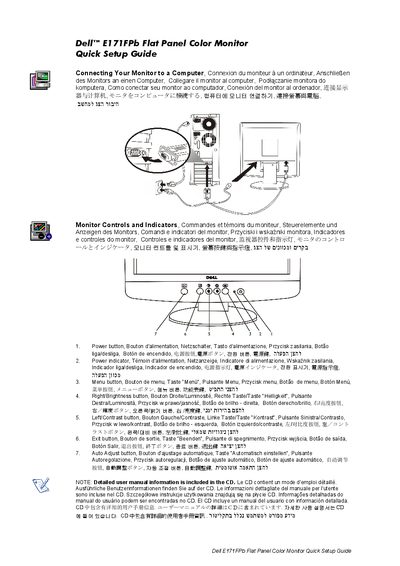
This Quick Setup Guide helps you connect the Dell E171FPb flat panel color monitor to a computer. It provides step‑by‑step instructions and multilingual labels for easy setup.
The guide also describes the monitor’s controls and indicators, such as the power, menu, brightness, contrast, exit and auto‑adjust buttons. Detailed user‑manual information is available on the included CD.
Follow the instructions in the 'Connecting Your Monitor to a Computer' section of the guide.
The monitor includes Power, Menu, Right/Brightness, Left/Contrast, Exit, and Auto Adjust buttons.
A detailed user manual is included on the CD that comes with the monitor.