
This document is PLX PCI9054 developer board driver installation guide, introducing how to install SDK software development package, insert PCI card, open the computer after the computer finds new device and install driver according to the picture, and finally change Unknown to the type of device you developed.
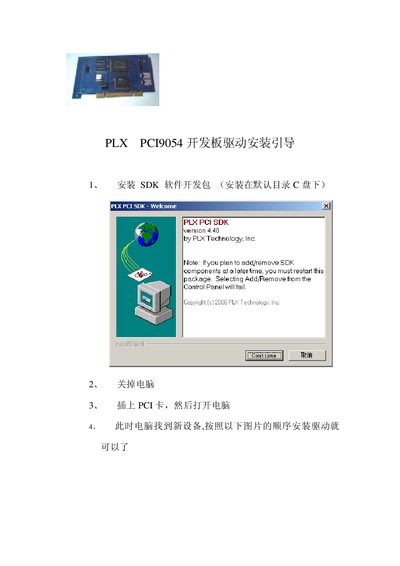
This guide walks you through installing the driver for the PLX PCI9054 development board. It starts with preparing the SDK, inserting the PCI card, and launching the Windows "Find New Hardware" wizard.
The wizard helps locate the driver files, confirms successful installation, and explains how to adjust the device class in Device Manager if Windows shows an unknown device. This manual is written in Chinese.