
This application note explains how to use the Fluke 289 digital multimeter (DMM) to record AC voltage trends to determine power voltage/stability in switching circuits. It also shows how to export the data to applications such as Microsoft Office Excel or OpenOffice Calc for further image or numerical analysis.
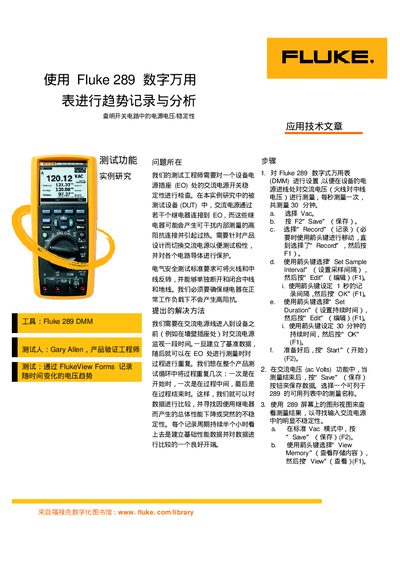
The note describes a procedure for monitoring AC line voltage at a device's power inlet using two Fluke 289 DMMs. It walks through configuring the instrument to measure Vac, setting a 1‑second sample interval and a 30‑minute recording duration, and saving the data via the FlukeView Forms software.
Results show that after two weeks of intensive switching under high‑current loads, no significant voltage drop or relay damage was observed. The recorded data can be exported as CSV files for further analysis in Excel or OpenOffice, allowing users to compare baseline and test measurements and identify any instability. This manual is written in Chinese.
| Sample Interval | 1 second |
|---|---|
| Recording Duration | 30 minutes |
| Data Export Format | .csv |
Use FlukeView Forms to export the data as a .csv file, which can then be opened in Microsoft Excel or OpenOffice Calc.