
This manual provides operation information for Producer III and Producer III N products, including the product's boot installation, identification, operation, and daily maintenance.
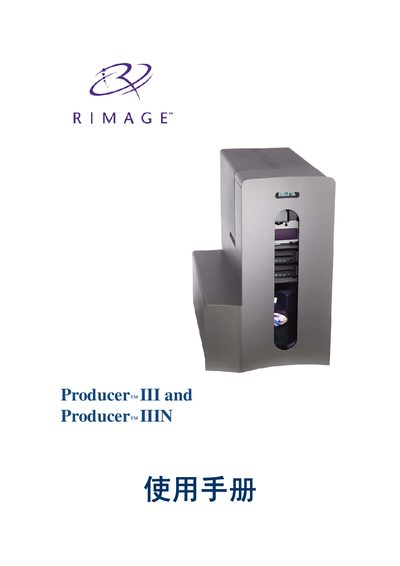
This guide covers the basic operation of the Producer III series, including power‑up, disc loading, and status indication. It also explains how to use the built‑in PC, configure the buzzer, and change the internal PC name via the Gemini Utilities software.
Additional sections describe hardware specifications such as tray capacity, physical dimensions, environmental limits, and network capabilities, as well as detailed component information for the front and rear panels. This manual is written in Chinese.
| Physical width | 23.25 in |
|---|---|
| Physical depth | 24.75 in |
| Operating temperature | 16°C‑60°C |
| Humidity range | 40%‑80% |
| Storage temperature | -15°C‑35°C |
Open Gemini Utilities, select the Overwrite Name field, enter the new name, and click Set Params to apply the change.
In Gemini Utilities, go to the buzzer settings, choose the number of beeps (set to 0 to disable), then click Set Params to update.
The units operate on 100‑240 V AC at 50‑60 Hz.