
Key facts
- Manuals
- 4
- Languages
- ZH
- Last added
- 2012-03-09
Featured Rimage manuals
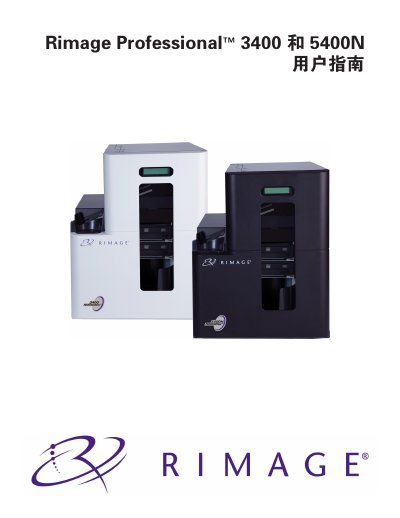
Rimage Professional 3400 and 5400N User Manual
The Rimage Professional 3400 and 5400N user manual provides all the information needed to set up, operate, and maintain these disc publishing systems. It covers hardware components, software requirements, safety precautions, and troubleshooting steps for both the non‑embedded 3400 autoloader and the embedded 5400N system.
The guide also details the included accessories, media handling procedures, print settings, and the Gemini utility used to change the autoloader display name and enable the buzzer. Safety and compliance information for various regions is included, along with contact details for Rimage technical support. This manual is written in Chinese.
Covers: Introduction · About Professional 3400 and 5400N · Accessories and Package Contents · Safety and Compliance Information · System Specifications · Hardware Identification

Rimage Producer III / Producer IIIN User Manual
This guide covers the basic operation of the Producer III series, including power‑up, disc loading, and status indication. It also explains how to use the built‑in PC, configure the buzzer, and change the internal PC name via the Gemini Utilities software.
Additional sections describe hardware specifications such as tray capacity, physical dimensions, environmental limits, and network capabilities, as well as detailed component information for the front and rear panels. This manual is written in Chinese.
Covers: 概述 (Overview) · 识别Producer III 产品 (Identify Producer III Product) · 部件信息 (Component Information) · 碟片扩充本 (Disc Expansion) · Gemini Utilities 操作方法 (Gemini Utilities Operation) · 更改内团PC名称 (Change Internal PC Name)
Latest Rimage manuals
Rimage Professional 3400 and 5400N User Manual
User Manual 36 pages · 1.6 MB · ZHUser guide for configuring, operating, and maintaining the Rimage Professional 3400 and 5400N disc publishing systems.
Rimage Producer III / Producer IIIN User Manual
User Manual 24 pages · 1.4 MB · ZHThe manual provides operation, configuration and specification details for Rimage Producer III and Producer IIIN disc publishing systems.
Rimage 5100N/5300N automate control machine Manual
Rimage 5100N/53000N Installation Guide
Which document do I need?
User Manual
Day-to-day operation, settings and troubleshooting. Start here if the product is already set up.
Questions answered in Rimage manuals
Which operating systems are supported by the Professional 3400 and 5400N?
The systems support 32‑bit Windows Vista (Business, Enterprise, Ultimate) SP2, Windows XP Professional SP3, and Windows Server 2003 Standard SP2.
How do I change the internal PC name?
Open Gemini Utilities, select the Overwrite Name field, enter the new name, and click Set Params to apply the change.
How can I configure the buzzer alarm?
In Gemini Utilities, go to the buzzer settings, choose the number of beeps (set to 0 to disable), then click Set Params to update.