
Rimage Professional™ 3400 and 5400N User Guide. This guide introduces how to use the Rimage Professional™ 3400 and 5400N systems.
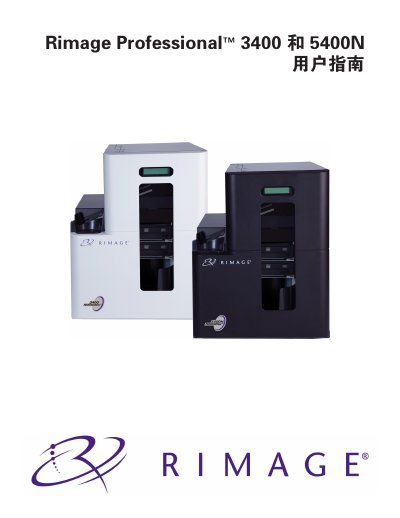
The Rimage Professional 3400 and 5400N user manual provides all the information needed to set up, operate, and maintain these disc publishing systems. It covers hardware components, software requirements, safety precautions, and troubleshooting steps for both the non‑embedded 3400 autoloader and the embedded 5400N system.
The guide also details the included accessories, media handling procedures, print settings, and the Gemini utility used to change the autoloader display name and enable the buzzer. Safety and compliance information for various regions is included, along with contact details for Rimage technical support. This manual is written in Chinese.
| Physical height | 18 in (46 cm) |
|---|---|
| Physical width | 14.25 in (36 cm) |
| Physical depth | 18.5 in (47 cm) |
| Weight (3400) | 64 lb (29 kg) |
| Print speed (Everest 400) | ≤60 seconds per disc |
| Print mode | Monochrome and CMY |
| Black ribbon capacity | 1000 discs |
| CMY ribbon capacity | 500 discs |
| Minimum PC processor | Pentium 4, 2.8 GHz or faster |
The systems support 32‑bit Windows Vista (Business, Enterprise, Ultimate) SP2, Windows XP Professional SP3, and Windows Server 2003 Standard SP2.