
This guide explains how to install the Serial ATA interface drive.
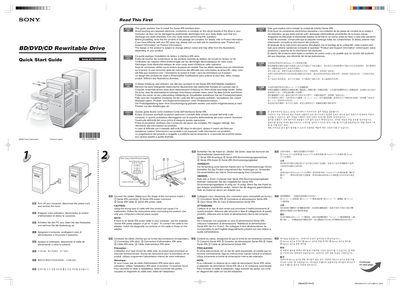
The guide provides safety instructions and a checklist before installation, advising you to turn off the computer, disconnect the power cord, and remove the drive cover. It also reminds you to verify that all package contents are present and to discharge any static electricity before handling the drive.
Installation steps cover connecting the Serial ATA data and power connectors, using the supplied 4‑pin to 15‑pin Serial ATA power adapter if needed, securing the drive with screws, and installing the supplied software by inserting the software disc and entering the CD‑key printed on the disc case.
| Serial ATA power adapter connector | 4‑pin to 15‑pin |
|---|---|
| DC input voltage | 5 V GND 12 V |
Turn off the computer, disconnect the power cord, and remove the drive cover.
Use the supplied Serial ATA power adapter (4‑pin to 15‑pin) to provide power to the drive.