
hp digital projector xb31 and sb21 user manual, mainly introduces the characteristics and features of the projector, as well as how to use the projector, including connecting to a computer, adjusting the projected image, using the control panel and remote control, etc.
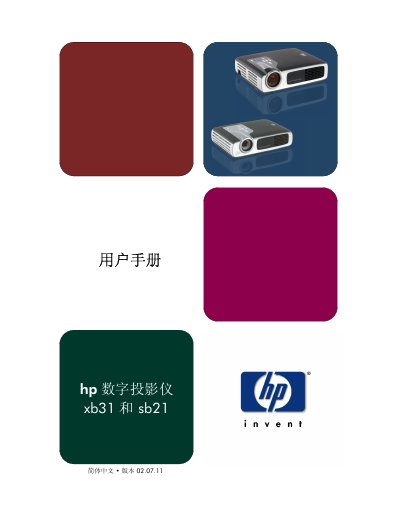
This manual provides safety guidelines, unpacking instructions, and an overview of the HP XB31 and SB21 digital projectors. It describes the control panel, rear panel connectors, remote control functions, and the steps required to install the projector with a computer or other video sources.
The guide also details operation procedures such as powering on/off, image adjustment, menu navigation, and lamp replacement. Technical specifications for each model, compatibility modes, regulatory information, and warranty support are included. This manual is written in Chinese.
| Brightness (XB31) | 1500 ANSI lumens |
|---|---|
| Brightness (SB21) | 1000 ANSI lumens |
| Resolution (XB31) | 1024 × 768 (XGA) |
| Resolution (SB21) | 800 × 600 (SVGA) |
| Lamp Power (XB31) | 156 W, user‑replaceable P‑VIP lamp |
| Lamp Power (SB21) | 132 W, user‑replaceable P‑VIP lamp |
| Weight (XB31) | 1.6 kg (3.5 lb) |
| Weight (SB21) | 1 kg (2.2 lb) |
| Power Input | 100‑240 V AC, 50/60 Hz |
| Contrast Ratio | 1800:1 |
The HP XB31 projector provides 1500 ANSI lumens of brightness.
The HP SB21 projector weighs about 1 kg (2.2 lb).
It uses a 156 W user‑replaceable P‑VIP lamp.
Both models have a 35‑pin VESA M1‑DA connector for analog RGB/digital/HDTV, plus composite video, S‑video, and optional component inputs.