
This is the owner’s manual for MP-9907C CD/MP3 player. It has the functions of CD and MP3 playback. The display screen is VFD. It can select any song or paragraph for play. After the POWER ON it will play in order automatically. It also supports remote control.
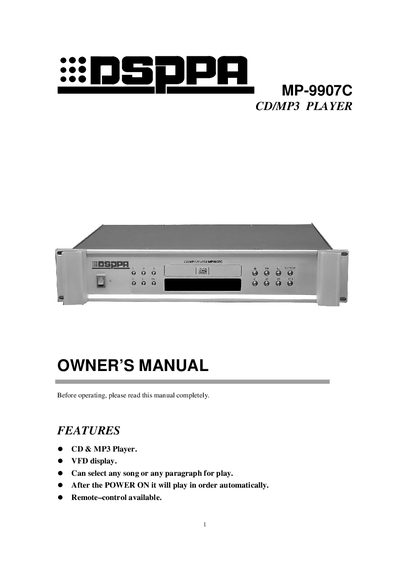
The manual introduces the MP-9907C CD/MP3 player, highlighting its VFD display, CD & MP3 playback, remote‑control capability, and automatic sequential play after power‑on. Detailed descriptions of the front and rear panels explain the function of each key, including power, track selection, repeat, search, and play/pause controls.
Technical specifications are listed, covering frequency response, signal‑to‑noise ratio, dynamic range, THD, output level, power requirements, dimensions, and weight. Safety cautions advise against opening the cover and recommend service by qualified personnel. This manual is written in Chinese.
| Frequency response | 20Hz-20kHz |
|---|---|
| Signal to Noise Ratio | 90dB |
| Dynamic range | 90dB |
| THD | 0.005% |
| Output level | 0dBV |
| AC fuse | ×1 |
| Power requirement | AC 220‑240 V / 50‑60 Hz |
| Dimensions | 485 × 88 × 378 mm |
| Gross weight | 6.5 kg |
| Net weight | 5.2 kg |
Press the key next to the disc door to open the CD deck, insert or remove the disc, then press the key again to close the deck.
Press REPEAT once to repeat the current track, press it a second time to repeat the whole disc, and press it a third time to cancel repeat mode.
Use the 1‑5 keys for tracks 1 to 5; press the +5 key and then a 1‑5 key to access tracks beyond 5.
Yes, connect a link cord from the Remote Link port to a compatible program manager (ABK‑PA, DSPPA‑MP, or DSPPA‑MAG series) to enable timed remote operation.