
This manual provides detailed introduction of MP9815E Emergency Panel's features, front panel control buttons and rear panel connection ports.
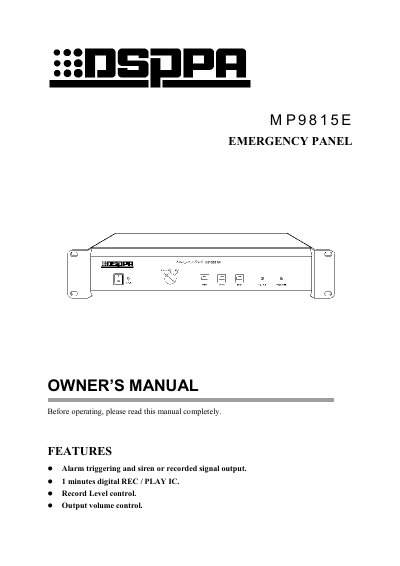
The MP9815E Emergency Panel provides alarm triggering with a siren or recorded message, a one‑minute internal recording IC, and adjustable volume and recording level controls. The front panel includes power, fire alarm, start/stop, option, and volume controls, while the rear panel offers connections for pre‑amp, deck, and alarm input.
The manual describes two operating modes: Auto mode, where an external alarm signal automatically activates the siren or playback, and Manual mode, where the user presses the FIRE button or START/STOP keys. Recording is performed by selecting REC, setting the REC LEVEL, and using the LINE or MIC inputs; recording stops automatically after one minute or when STOP is pressed. Safety notes warn against water exposure and unauthorized opening of the unit. This manual is written in Chinese.
| Mic Input | 2 mV 10 kΩ |
|---|---|
| Line Input | 1 V 10 kΩ |
| Alarm Input | 0 V/+24 V (or open) |
| Output | Siren or recorded message, 1 V |
| Frequency Response | 100 Hz‑10 kHz (±3 dB) |
| Power Requirement | AC 220‑240 V / 50‑60 Hz |
| Outer Packing Size (L×W×H) | 530 mm × 440 mm × 195 mm |
| Unit Size (L×W×H) | 484 mm × 365 mm × 88 mm |
| Gross Weight | 8.8 kg |
| Net Weight | 7.1 kg |
Set the OPTION switch to SIREN (or PLAY for a recorded message) and connect the alarm signal to the ALARM port; the panel will output the siren or playback until the alarm signal is removed.
Select REC on the OPTION switch, set the REC LEVEL knob to the middle position, turn the POWER switch on, and press START while speaking into the LINE or MIC input; recording stops when STOP is pressed or after one minute.