
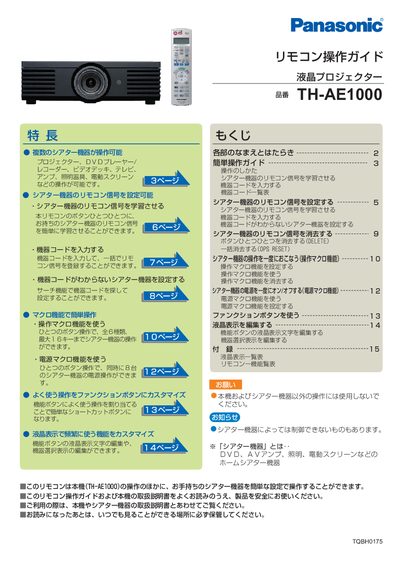
The Panasonic TH-AE1000 remote control allows users to operate the projector directly or control other theater equipment such as DVD players, VCRs, TVs, amplifiers, and electric screens. It features a learning function to register remote signals from external devices and a code search function for devices without known codes. Users can also customize function buttons and use macro functions to control multiple devices with a single button press. This manual is written in Japanese.
| Compatible Devices | Projector, DVD Player/Recorder, Video Deck, TV, Amplifier, Lighting, Electric Screen |
|---|---|
| Control Range | Approx. 7m |
No, remote control signals other than infrared (such as radio wave types) cannot be learned.
In addition to the projector, it can operate theater equipment such as DVD players, recorders, video decks, televisions, amplifiers, lighting fixtures, and electric screens.
The remote can be used within approximately 7 m from the front of the remote receiver.