
This manual introduces the features and characteristics of TWL541C/TWL541P wireless network card, installation guide, configuration software use method and other content
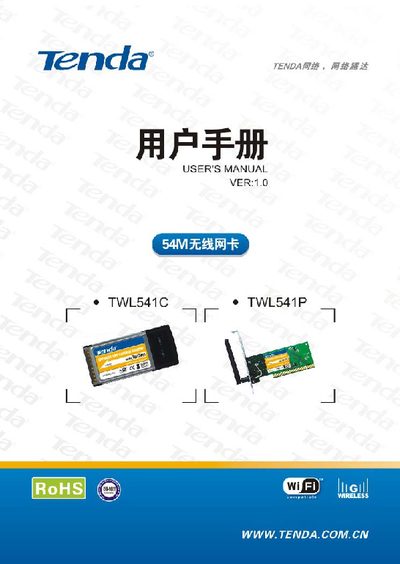
This manual introduces the Tenda TWL541C (CardBus) and TWL541P (PCI) wireless network cards, their features, supported standards, and typical applications. It also lists the items included in the package.
The guide walks users through hardware installation, driver and configuration software setup, and explains the management program functions. Appendices cover the company website, common terminology, and detailed product specifications. This manual is written in Chinese.
| Frequency band | 2.4 – 2.4835 GHz |
|---|---|
| Data rates | 1, 2, 5.5, 9, 11, 12, 18, 24, 36, 48, 54 Mbps |
| Transmit power | 20 dBm (max) |
| Antenna | Internal smart antenna (gain 1.8 dBi) for TWL541C; external omnidirectional antenna (gain 1.8 dBi) for TWL541P |
| Modulation | OFDM and DSSS |
| Operating temperature | 0 °C – 40 °C |
| Storage temperature | -20 °C – 90 °C |
| Operating humidity | 10 % – 90 % |
Insert the card into the appropriate slot (PCI for TWL541P, CardBus for TWL541C), power on the computer, then run the setup program from the supplied CD to install drivers and configuration software.
The cards support Windows 98, Windows ME, Windows 2000, and Windows XP.
Indoor coverage is up to 100 m and outdoor coverage up to 300 m, depending on the environment.