
Key facts
- Manuals
- 2
- Categories
- 1
- Languages
- ZH
- Last added
- 2011-11-03
Featured Shenzhen市吉祥腾达 manuals
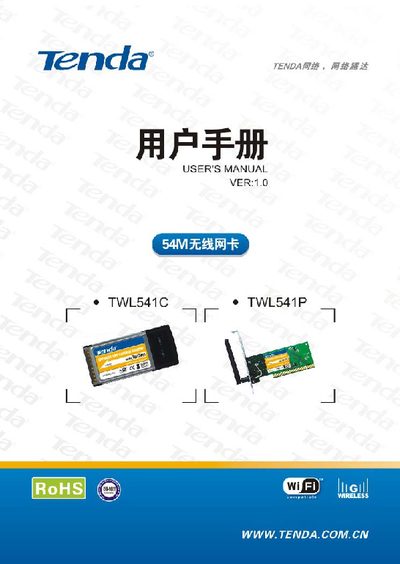
Tenda TWL541C/TWL541P Wireless Network Card User Manual
This manual introduces the Tenda TWL541C (CardBus) and TWL541P (PCI) wireless network cards, their features, supported standards, and typical applications. It also lists the items included in the package.
The guide walks users through hardware installation, driver and configuration software setup, and explains the management program functions. Appendices cover the company website, common terminology, and detailed product specifications. This manual is written in Chinese.
Covers: Product Introduction · Installation Guide · Configuration Software Usage · Appendix: Website Introduction · Appendix: Common Terminology · Appendix: Product Specifications
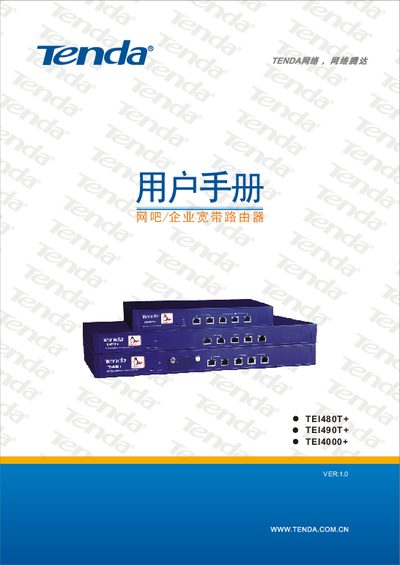
Tenda TEI480T+/TEI490T+/TEI4000+ Router User Manual
This manual introduces the Tenda TEI480T+, TEI490T+ and TEI4000+ dual‑WAN routers designed for internet cafés, enterprises, schools and other network environments. It describes the hardware features, supported standards and the built‑in security functions.
The guide covers hardware installation, LAN/WAN connections, ISP configuration, advanced settings such as VLAN, QoS, firewall, and remote management. Appendices provide online technical support information, TCP/IP configuration examples for Windows XP, and a list of common Windows command‑line tools. This manual is written in Chinese.
Covers: Introduction · Hardware Installation · Connecting to Broadband Router · Router Configuration · Appendix A: Online Technical Support · Appendix B: TCP/IP Address Settings (WinXP)
Latest Shenzhen市吉祥腾达 manuals
Tenda TWL541C/TWL541P Wireless Network Card User Manual
User Manual 27 pages · 1021 KB · ZHThe Tenda TWL541C/TWL541P wireless network card user manual provides product overview, installation steps, software usage, and specifications.
Tenda TEI480T+/TEI490T+/TEI4000+ Router User Manual
User Manual 45 pages · 4.3 MB · ZHThe Tenda TEI480T+, TEI490T+ and TEI4000+ dual‑WAN routers user manual provides setup, configuration, and maintenance instructions.
Which document do I need?
User Manual
Day-to-day operation, settings and troubleshooting. Start here if the product is already set up.
Questions answered in Shenzhen市吉祥腾达 manuals
How do I install the TWL541C/TWL541P wireless network card?
Insert the card into the appropriate slot (PCI for TWL541P, CardBus for TWL541C), power on the computer, then run the setup program from the supplied CD to install drivers and configuration software.
From: Tenda TWL541C/TWL541P Wireless Network Card User Manual
Which operating systems are supported?
The cards support Windows 98, Windows ME, Windows 2000, and Windows XP.
From: Tenda TWL541C/TWL541P Wireless Network Card User Manual
How do I reset the router to factory settings?
Press and hold the Reset button for about 5 seconds until the system status LED flashes; the router will restore factory defaults and restart.
What are the default login credentials?
Both the default username and password are “admin”.