
This is a user manual for POC 965 Series Medical Panel PC
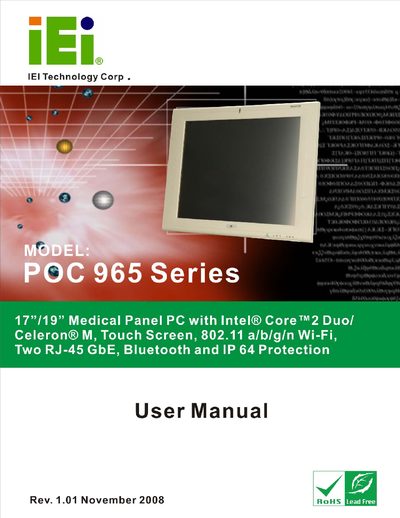
The POC-965 Series is a 17"/19" medical‑grade panel PC featuring Intel® Core™2 Duo or Celeron® M processors, a touch screen, Wi‑Fi 802.11 a/b/g/n, Bluetooth, two RJ‑45 GbE ports and IP64 protection. The manual outlines the hardware layout, pre‑installed components and safety warnings to ensure reliable and safe use in medical environments.
Installation instructions cover unpacking, anti‑static precautions, mounting options, connector wiring, power configuration and operating mode selection. Detailed sections describe the graphics, audio, wireless modules and system power options, while the specifications chapter lists the technical parameters of the product.
| Display size | 17" / 19" |
|---|---|
| Processor | Intel® Core™2 Duo / Celeron® M |
| Network ports | Two RJ‑45 GbE ports |
| Ingress protection | IP64 |
Contact the IEI reseller or vendor you purchased the unit from, or email IEI sales at [email protected].
The device includes two RJ‑45 Gigabit Ethernet ports.
The manual highlights warnings, cautions and notes that warn of potential equipment damage or personal injury if not followed.