
Describes in detail how to install project server 2007
This document describes the complete installation process for Microsoft Project Server 2007. It is divided into four main phases: installing Microsoft .NET Framework 3.0, installing Project Server 2007, configuring the server, and installing Project Professional 2007 with the required service accounts.
After each phase the guide shows how to access the configuration web interface, set up shared services, create web applications, and finish the Project Web Access setup. Screenshots and navigation paths are provided for small‑server or Web‑server deployments. This manual is written in Chinese.
| .NET Framework requirement | Microsoft .NET Framework 3.0 |
|---|---|
| Supported server type | Small server (single) or Web server |
The process has four phases: (1) install Microsoft .NET Framework 3.0, (2) install Project Server 2007, (3) configure Project Server 2007, and (4) install Project Professional 2007 and configure service accounts.
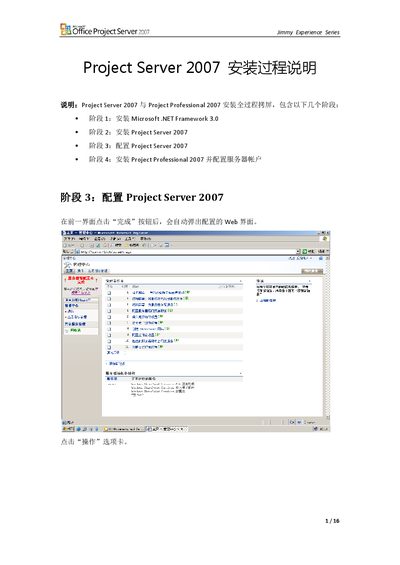
After completing the previous step, click the “完成” button and the configuration web page will automatically open.
Use the “管理此服務器場的共享服務” page in the Administration Center to create or configure shared services.