
This document is a guide for installing Microsoft Office Project Server 2003. It provides the steps and configuration information for installing Project Server 2003 on a single server.
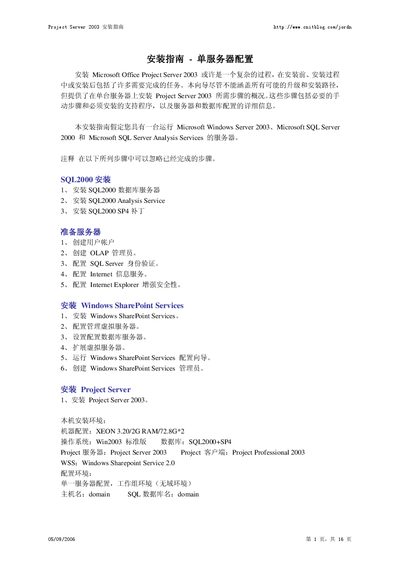
This guide walks you through the complete installation of Microsoft Project Server 2003 on a single‑server configuration. It covers prerequisite software, SQL Server 2000 setup, Windows SharePoint Services installation, and the configuration of IIS, authentication, and database connections.
The document assumes a Windows Server 2003 host with SQL Server 2000 (SP4) and includes detailed instructions for creating required user accounts, setting up the SharePoint virtual server, and finalizing the Project Server deployment. This manual is written in Chinese.
| CPU | Xeon 3.20 GHz |
|---|---|
| Memory | 2 GB RAM |
| Operating System | Windows Server 2003 Standard |
| Database Engine | SQL Server 2000 with SP4 |
The installation requires Windows Server 2003 Standard edition.
SQL Server 2000 with Service Pack 4 (SP4) must be installed.
Project Server 2003 requires mixed‑mode authentication (Windows and SQL Server).