
Key facts
- Brand
- Project
- Model
- Project Server 2007
- Documents
- 2
- Languages
- ZH
- Last added
- 2012-01-11
Start here
Microsoft Project Server 2007 Installation Guide
This document describes the complete installation process for Microsoft Project Server 2007. It is divided into four main phases: installing Microsoft .NET Framework 3.0, installing Project Server 2007, configuring the server, and installing Project Professional 2007 with the required service accounts.
After each phase the guide shows how to access the configuration web interface, set up shared services, create web applications, and finish the Project Web Access setup. Screenshots and navigation paths are provided for small‑server or Web‑server deployments. This manual is written in Chinese.
Project Server 2007 specifications
| Total required disk space | 1082 MB |
|---|---|
| Available disk space | 9745 MB |
| Local installation source space | 345 MB |
| Program files space | 637 MB |
All Project Server 2007 documents by type
Mounting, wiring and first power-up. Read it before the hardware goes in.
Questions answered in these manuals
What are the installation phases for Project Server 2007?
The process has four phases: (1) install Microsoft .NET Framework 3.0, (2) install Project Server 2007, (3) configure Project Server 2007, and (4) install Project Professional 2007 and configure service accounts.
How do I open the configuration web interface after installing Project Server?
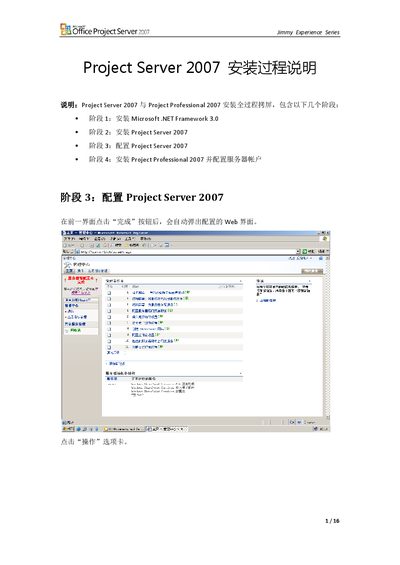
After completing the previous step, click the “完成” button and the configuration web page will automatically open.
How many characters does the product key contain?
The product key must be 25 characters long.