
AH421 is a USB flash drive with a 180° rotating connector. It has a slim design for easy insertion into computers. It can also be used as a Windows ReadyBoostTM external device to enhance system performance.
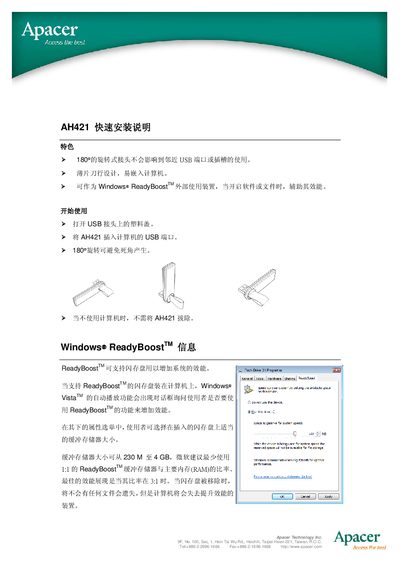
This quick installation guide explains how to connect the Apacer AH421 USB device to a computer and enable Windows ReadyBoost. It includes simple steps for inserting the USB connector, rotating the device to avoid dead‑zones, and configuring ReadyBoost in Windows Vista or later.
The manual also lists the memory size and performance requirements for ReadyBoost, such as supported memory capacity (230 MB‑4 GB) and minimum random read/write speeds. A safety notice warns not to over‑rotate the device beyond 180°, and notes that the device can be unplugged when not in use. This manual is written in Chinese.
| Supported ReadyBoost memory size | 230 MB – 4 GB |
|---|---|
| Minimum random write speed | 1.75 MB/s (512 KB) |
| Maximum rotation angle | 180° |