
Acer AT1930 & AT1931 Service Guide,This manual provides service information for the Acer AT1930 and AT1931
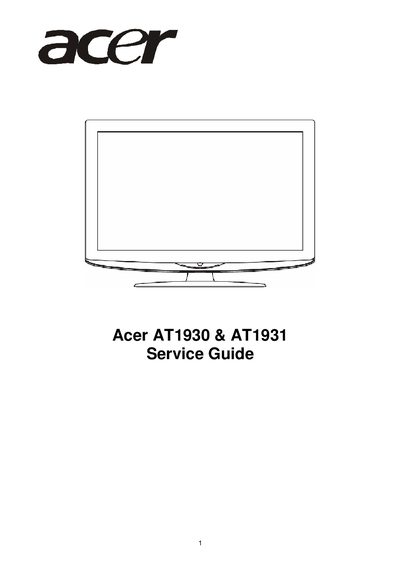
This Service Manual supplies technical information for Acer AT1930 and AT1931 LCD monitors, including general specifications, safety notices, and detailed service procedures. It is intended for qualified service personnel and covers factory preset display modes, panel features, mechanical and optical specifications, and connector information.
Key sections include monitor features, FRU (Field Replaceable Unit) lists, exploded diagrams, PCB layout, schematic diagrams, firmware upgrade instructions, and a troubleshooting guide. Safety warnings, handling precautions, and FCC compliance notes are also provided to ensure safe servicing and operation.
| Resolution | 1440 × 900 (AT1930) / 1680 × 1050 (AT1931) |
|---|---|
| Brightness | 300 nit |
| Contrast Ratio | 1000:1 |
| Dynamic Contrast Ratio | 10000:1 (AT1930) / 15000:1 (AT1931) |
| Viewing Angle | Horizontal 170°, Vertical 160° |
| Power Input | 100 V to 240 V AC, 50‑60 Hz |
| Maximum Power Consumption | 50 W (AT1930) / 55 W (AT1931) |
| Dimensions | 446.15 × 358.5 × 144.44 mm (AT1930) / 511.65 × 400.02 × 144.44 mm (AT1931) |
| Weight | 4 kg (AT1930) / 5 kg (AT1931) |
| HDMI Ports | HDMI 1 (HDMI 1.2) and HDMI 2 (HDMI 1.2) |
The flicker may be caused by the fluorescent backlight; turn the Power Switch off and on again to eliminate the flicker.
The monitor operates on 100 V to 240 V AC, 50‑60 Hz, with a maximum power consumption of 50 W for the AT1930 and 55 W for the AT1931.
The AT1930 measures 446.15 × 358.5 × 144.44 mm and weighs 4 kg; the AT1931 measures 511.65 × 400.02 × 144.44 mm and weighs 5 kg.