
This manual introduces the use of WLUSB-11 Key wireless network card, including installation, setup, maintenance, etc.
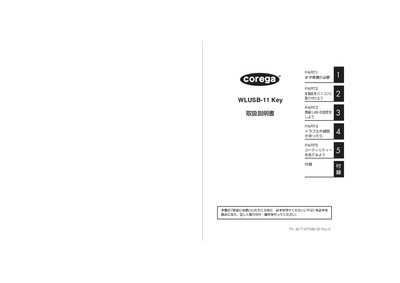
This manual guides you through the safe installation and configuration of the Corega WLUSB-11 Key wireless LAN adapter. It covers preparation, driver installation, USB connection, and network settings, with clear step‑by‑step instructions.
Additional sections describe the utility software for advanced settings, troubleshooting procedures, maintenance, and warranty information. Safety warnings, especially regarding electromagnetic interference with medical devices, are highlighted throughout. This manual is written in Japanese.
| Product Number | J617M7388-00 RevA |
|---|
Insert the device into a PC USB port; the driver will install automatically.
Refer to the troubleshooting (PAHTG) section for step‑by‑step solutions.
No, do not use the device near pacemakers or other medical equipment due to electromagnetic interference.