
Key facts
Start here
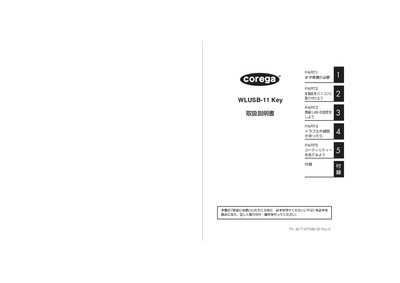
Corega WLUSB-11 Key User Manual
This manual guides you through the safe installation and configuration of the Corega WLUSB-11 Key wireless LAN adapter. It covers preparation, driver installation, USB connection, and network settings, with clear step‑by‑step instructions.
Additional sections describe the utility software for advanced settings, troubleshooting procedures, maintenance, and warranty information. Safety warnings, especially regarding electromagnetic interference with medical devices, are highlighted throughout. This manual is written in Japanese.
All Corega WLUSB-11 documents by type
Day-to-day operation, settings and troubleshooting. Start here if the product is already set up.
Questions answered in these manuals
How do I install the Corega WLUSB-11 Key?
Insert the device into a PC USB port; the driver will install automatically.
What should I do if the device cannot connect to a wireless LAN?
Refer to the troubleshooting (PAHTG) section for step‑by‑step solutions.