
This manual introduces the usage of CG-BARSX.
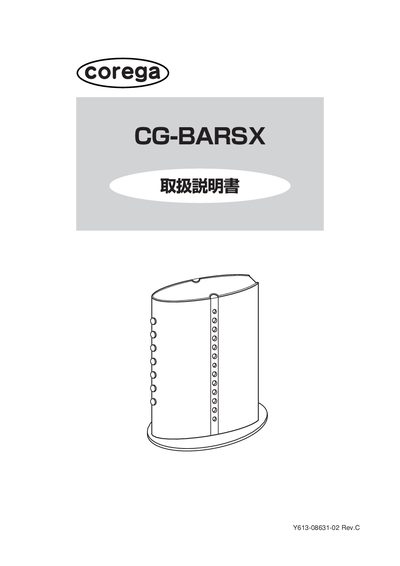
This manual explains how to read the document and provides detailed information on the CG‑BARSX router's settings screen, symbols, and terminology. It covers basic navigation of the web interface, including WAN, LAN, security, and detailed settings.
The guide walks users through common configuration scenarios such as enabling UPnP for online gaming, using DMZ for non‑UPnP games, setting up virtual servers, dynamic DNS, and publishing network cameras. It also describes how to view logs, check MAC addresses, and update firmware. This manual is written in Japanese.
| UPnP support | Yes |
|---|---|
| DMZ function | Available |
| MAC address location | Printed on bottom of unit |
Select Detailed Settings → DMZ, choose the host PC, and enable the DMZ function.
The MAC address is printed on the bottom of the unit and can also be viewed in the Status screen.