
This is a document about the Nokia Stereo Headset HS-82. The document describes the features and characteristics of the product.
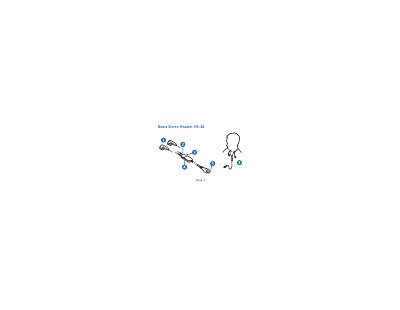
The HS-82 headset connects to a compatible Nokia mobile device with a micro USB port. Insert the headset plug into the device’s micro USB connector, wear the headphones, and adjust the microphone distance for comfortable use. Volume is controlled with the headset’s volume key, and calls are handled using the answer/end key or the mobile device’s controls.
Safety warnings advise that the headset may reduce awareness of surrounding sounds, so it should not be used in hazardous situations. The manual also outlines care and maintenance tips, such as keeping the device dry, avoiding extreme temperatures, and not exposing it to magnetic storage media or harsh chemicals.
Insert the headset plug into the micro USB connector on your mobile device.
Press the volume key up or down to adjust the volume.
Briefly press the middle of the volume key to mute or unmute the microphone.