
This is a declaration of conformity for Nokia Bluetooth Headset BH-100.
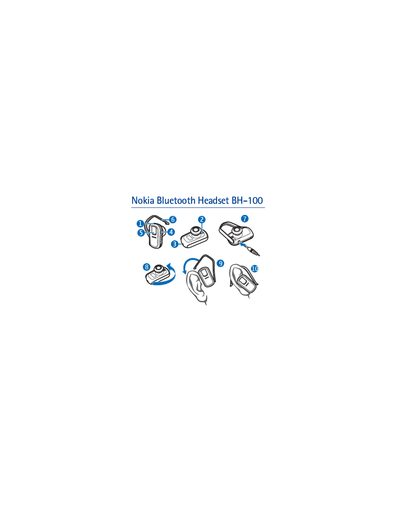
The Nokia BH-100 Bluetooth Headset user guide explains how to charge the headset, switch it on or off, pair it with a compatible phone, place and change the earloop, and handle calls.
It also covers Bluetooth wireless technology, clearing pairing settings, resetting the headset, battery information, care and maintenance, declaration of conformity, and export controls.
| Bluetooth version | 2.0 + EDR |
|---|---|
| Bluetooth profiles | Headset Profile 1.1; Hands-Free Profile 1.5 |
| Wireless range | Within 10 meters (30 feet) |
| Battery type | Internal, nonremovable, rechargeable |
| Charging time | Up to 1 hour and 30 minutes |
| Talk time | Up to 6 hours and 30 minutes |
| Standby time | Up to 150 hours |
| Approved chargers | AC-3, AC-4, DC-4 |
Switch the phone on and the headset off, hold the power key until the green indicator light flashes quickly, select the headset on the phone, and enter passcode 0000.
The headset is intended for use with the AC-3, AC-4, and DC-4 chargers.
A fully charged battery has power for up to 6 hours and 30 minutes of talktime; times may vary with phones, settings, usage styles, and environments.
Plug the headset into a charger, then press the power key and the answer/end key at the same time.