
This manual provides basic instructions on how to operate the RM-94 phone, including installing the SIM card and battery, turning the phone on and off, charging the battery, using the phone functions, sending and receiving text messages, using multimedia functions, using the browser, using games, using the wallet, using network services, using configuration setting services, downloading content and applications.
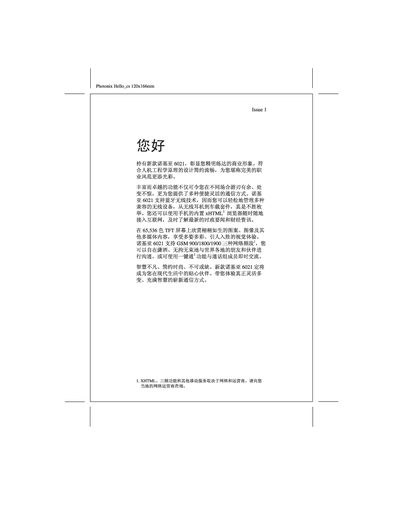
This manual covers the basic operation of the Nokia 6021 mobile phone, including how to power the device, navigate menus with the five‑direction navigation key, and use core functions such as calling, messaging, and internet browsing. It also explains the phone’s hardware features like the 65,536‑color TFT display, Bluetooth connectivity, and supported GSM network bands.
Safety guidelines, battery handling, and maintenance procedures are detailed to ensure reliable use. The document also describes optional services such as One‑key (一键通), multimedia functions, and how to connect accessories via the infrared port. This manual is written in Chinese.
| Network bands | GSM 900/1800/1900 |
|---|---|
| Display | 65,536‑color TFT |
| Bluetooth | Supported |
| Water resistance | Not water‑proof |
It supports GSM 900, 1800, and 1900 frequency bands.
The phone includes Bluetooth; you can manage compatible wireless devices such as headsets and car kits via the Bluetooth key.
No, the device is not water‑proof and should be kept dry.
Press the One‑key button to launch the One‑key service.