
This document is the user guide for the Nokia Bluetooth Headset BH-701, describing the features and characteristics of the product.
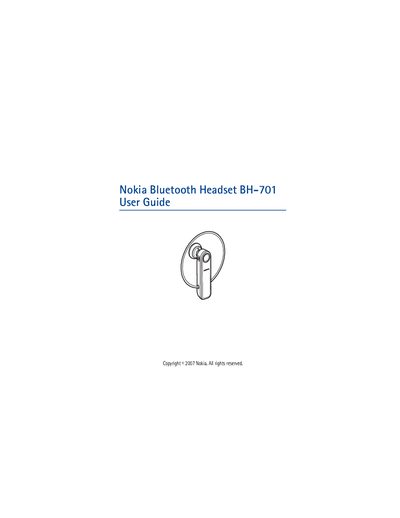
The Nokia Bluetooth Headset BH-701 lets you make and receive calls hands-free using compatible Bluetooth devices. It supports Bluetooth Specification 2.0 + EDR with Headset Profile 1.1 and Hands-Free Profile 1.5, and works within a maximum distance of 10 meters (30 feet).
The guide explains how to charge the battery, switch the headset on or off, pair it with a mobile device, handle calls, adjust volume, mute the microphone, clear settings, and care for the battery.
| Bluetooth version | 2.0 + EDR |
|---|---|
| Bluetooth profiles | Headset Profile 1.1 and Hands-Free Profile 1.5 |
| Operating range | 10 meters (30 feet) |
| Talk time | up to 6 hours |
| Standby time | up to 160 hours |
| Charging time | up to 2 hours |
| Pairing passcode | 0000 |
| Battery type | internal nonremovable rechargeable |
Switch on the headset, turn on Bluetooth on the mobile device, select Nokia BH-701 from the list of found devices, and enter passcode 0000.
Charging the battery fully may take up to 2 hours.
The fully charged battery provides up to 6 hours of talk time or up to 160 hours of standby time.
Press and hold the multifunction key for at least 5 seconds until the indicator light turns red.