
This is a user manual for SPX-S210K. It mainly introduces how to use the functions of the machine, including but not limited to: intercom, simple intercom, phone, answering machine, answering phone, dialing phone, sending/receiving fax, copying, scanning, etc.
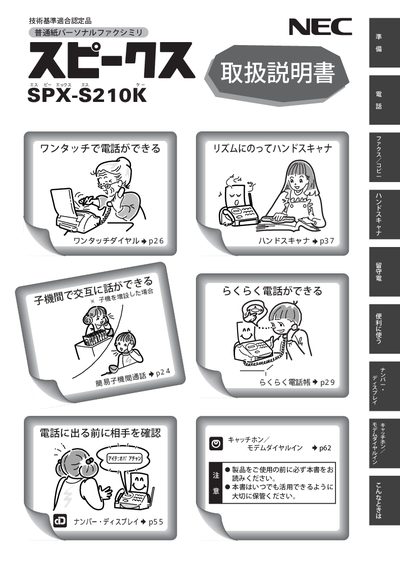
This manual explains how to assemble the SPX‑S210K fax machine, connect the power and telephone lines, install the ink‑film and paper cassette, and configure basic settings such as time, line type and antenna. It also describes how to make calls, use the hand‑scanner, set up the answering‑machine function, and operate fax and copy features.
Safety warnings cover proper handling of the battery pack, avoiding exposure to water, fire hazards, and the restriction of use to domestic AC 100 V power. The document also provides disposal, warranty, and environmental information required for Japanese market compliance. This manual is written in Japanese.
| Input voltage | AC 100 V |
|---|
No. The device is a domestic‑spec model and must not be used outside Japan.
Only the specified ink‑film model SP‑FA430 may be used; other NEC or third‑party films are not compatible.