
DCR-PC105K instruction manual, introduces the product features, including pre-use preparation, shooting, playback, editing, computer connection, etc.
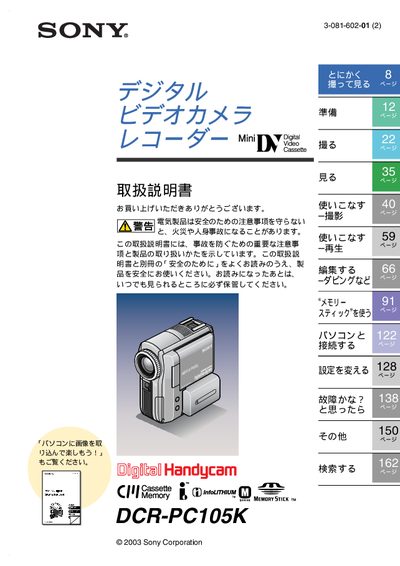
This manual provides step‑by‑step instructions for using the Sony DCR‑PC105K camcorder. It covers basic functions such as powering the device, attaching the battery, setting date and time, and using the touch panel, as well as advanced features like night‑shot modes, image effects, and editing functions.
Additional sections describe how to connect the camcorder to a computer via USB or iLINK cable, how to work with mini‑DV memory cassettes, and troubleshooting tips. Safety warnings, copyright information, and customer support contacts are also included. This manual is written in Japanese.
| LCD/Finder Pixel Accuracy | 99.99% effective pixels |
|---|
Use a USB or iLINK cable and make sure the connector orientation matches before inserting it.