
This document is the user manual for the Sony camera, which introduces the camera's functions, features and usage methods.
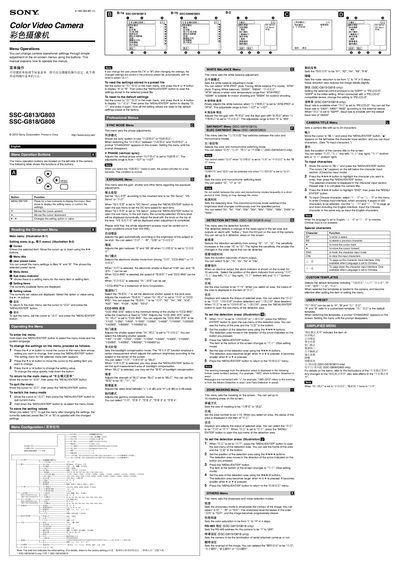
This manual explains how to navigate the on‑screen menus of Sony SSC‑G813/G803 and SSC‑G818/G808 cameras using the left‑side buttons. It covers basic menu entry, cursor movement, option selection, and how to store or reset preset files.
The document also details advanced menus such as SYNC MODE, WHITE BALANCE, EXPOSURE, DAY/NIGHT, detection settings, zone masking, and other configuration options like RS‑485 address, digital zoom, and image reversal.
| Gain range (auto gain manual) | 0 to 28 dB |
|---|
Hold down the MENU/ENTER button to select the menu mode and system language.
Use the RS‑485 address menu (SSC‑G813/G818 only) to set a value between 1 and 255.