
LevelOne IP Camera Quick Installation Guide in Chinese, applicable to FCS-1010/1030/1040/1050/1060/1070/3000 WCS-2010/2030/2040/2060/2070. It includes software installation and wireless network installation instructions.
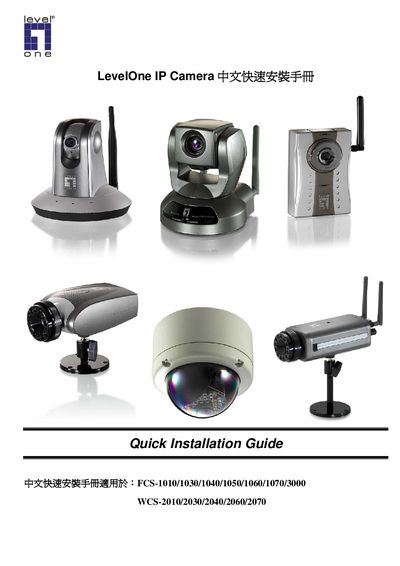
The document provides step-by-step instructions for installing LevelOne IP cameras, including the FCS and WCS series. It covers software installation from the included CD-ROM, using the Installation Wizard to detect cameras by MAC address, and installing ActiveX for web access.
For wireless models (WCS series), it explains configuring wireless LAN settings such as security mode, wireless mode, and SSID through the web management page. It also details setting up the IP CamSecure surveillance software, adding cameras via auto-detection, and notes support for up to 32 channels. This manual is written in Chinese.
| Maximum supported channels | 32 |
|---|
Open Main Console, set a password, go to System Settings > Camera > Add, enter the camera's IP or DNS, click Auto Detect Model, then confirm.
This guide applies to the FCS-1010/1030/1040/1050/1060/1070/3000 and WCS-2010/2030/2040/2060/2070 models.
The system can support up to 32 channels.
After configuring the wireless settings, remove the power cord and the RJ45 network cable, then re-insert the power cord without the RJ45 network cable.