
Key facts
- Brand
- LevelOne
- Model
- WCS-2010
- Documents
- 2
- Languages
- ZH
- Last added
- 2011-11-25
Start here
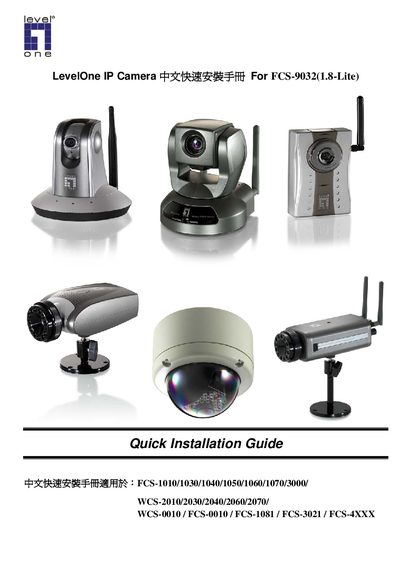
LevelOne IP Camera FCS-1010/1030/1040/1050/1060/1070/3000/ WCS-2010/2030/2040/2060/2070/ WCS-0010 FCS-0010 FCS-1081 FCS-3021 FCS-4XXX For FCS-9032(1.8-Lite) chinese quick Installation Guide
Installation Guide 15 pages · 1.5 MB · ZH
This guide provides step‑by‑step instructions for installing LevelOne IP Camera hardware and software. It lists the supported models, required connections, and the software installation wizard process.
After installing the software from the supplied CD‑ROM, users configure network settings, wireless LAN parameters, and optional ActiveX controls through the web management interface to complete the camera setup. This manual is written in Chinese.
All LevelOne WCS-2010 documents by type
Installation Guide 2
Mounting, wiring and first power-up. Read it before the hardware goes in.
- LevelOne IP Camera FCS-1010/1030/1040/1050/1060/1070/3000/ WCS-2010/2030/2040/2060/2070/ WCS-0010 FCS-0010 FCS-1081 FCS-3021 FCS-4XXX For FCS-9032(1.8-Lite) chinese quick Installation Guide 15 p
- LevelOne IP Camera FCS-1010/1030/1040/1050/1060/1070/3000 WCS-2010/2030/2040/2060/2070 chinese quick Installation Guide
Questions answered in these manuals
How can I configure the wireless LAN settings for the camera?
Open the camera’s web management page, go to Configuration → Wireless LAN, and set the SSID, security mode, and channel as needed.