
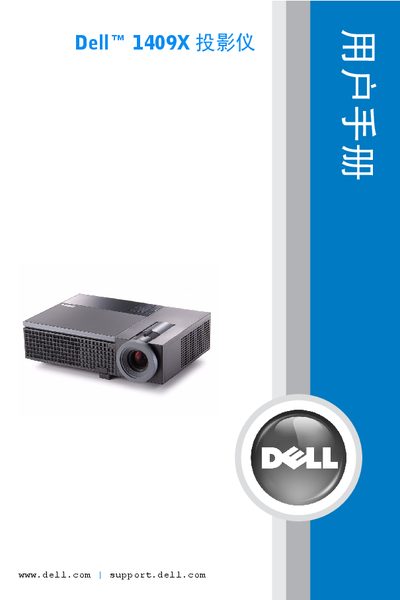
This manual explains how to install and connect the Dell 1409X projector, operate its control panel, remote, and on‑screen menu, and adjust image settings. It also includes safety warnings, lamp replacement instructions, and a full list of specifications.
The document covers supported video inputs, power requirements, environmental limits, and provides troubleshooting steps for common issues. Contact information and a glossary of terms are included for reference. This manual is written in Chinese.
| Brightness | 2500 ANSI lumens (max) |
|---|---|
| Contrast Ratio | Typical 1900:1 (full on/off) |
| Lamp Wattage | 165~200 W |
| Lamp Life | 3000 h (up to 4000 h in ECO mode) |
| Resolution | 1024 × 768 (XGA) |
| Weight | 4.95 lb (2.25 kg) |
| Power Consumption | 256 W (full), 216 W (ECO) |
| Dimensions (W×H×D) | 11.68 × 7.96 × 3.17 in |
| Operating Temperature | 5 °C – 35 °C |
| Audio Output | 1 speaker, 8 W RMS |
The projector provides up to 2500 ANSI lumens of brightness.
In ECO mode the lamp can last up to 4000 hours.
The projector consumes 216 W in ECO mode.