
MED [Management Encryption Device] hard disk data security lock is a management hard disk encryption device developed to protect the security of hard disk data. MED has a personalized encryption system, which is customized by the user's password and generated personalized encryption key through multi-layer calculation. It also adopts full hard disk encryption to protect the contents of each sector. In the hard disk, each magnetic track content is encrypted ciphertext, to achieve watertight data security.
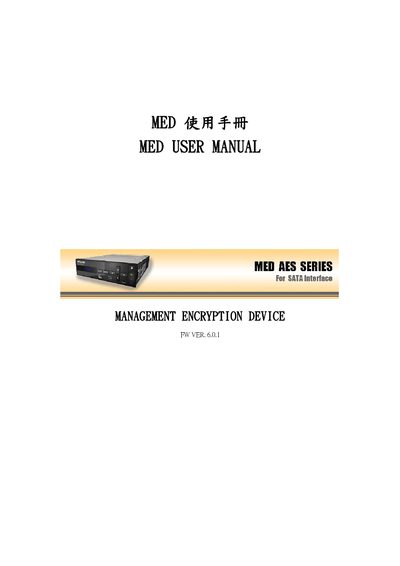
The MED (Management Encryption Device) provides hardware‑based encryption for data storage, supporting AES‑128/192/256 and multiple user access levels. It connects via SATA and includes an optional E‑KEY for secure key entry.
The manual explains product features, specifications, hardware installation, initial configuration, key management functions (master, super, and user keys), and common troubleshooting steps. This manual is written in Chinese.
| Dimensions | L 148 mm × H 42 mm × D 200 mm |
|---|---|
| Power Consumption | 2.1 W (430 mA) (excluding hard drive) |
| Working Voltage | +5 V / +12 V DC |
| Operating Temperature | 0 °C ~ 70 °C |
| Storage Temperature | -55 °C ~ 70 °C |
| Encryption Algorithm | AES‑128 / AES‑192 / AES‑256 |
| Interface | SATA 1.7 Gbps (Plug‑and‑Play) |
| Weight | 700 g (excluding hard drive) |
Use the CLEAR LOGIN RECORD function to delete stored login entries.
Select the CHANGE DEVICE NAME option to set a new name for the device.
Use the MAKE MASTER KEY function to generate a new master key for the device.
The device supports AES‑128, AES‑192, and AES‑256 encryption.