
Key facts
- Manuals
- 4
- Languages
- ZH
- Last added
- 2012-08-03
Featured READ manuals
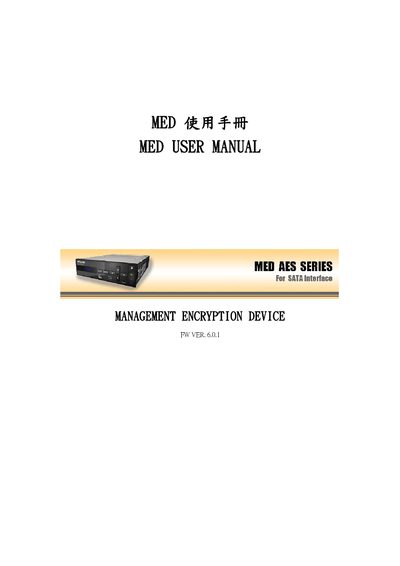
MED Management Encryption Device User Manual
The MED (Management Encryption Device) provides hardware‑based encryption for data storage, supporting AES‑128/192/256 and multiple user access levels. It connects via SATA and includes an optional E‑KEY for secure key entry.
The manual explains product features, specifications, hardware installation, initial configuration, key management functions (master, super, and user keys), and common troubleshooting steps. This manual is written in Chinese.
Covers: Product Features · Product Specifications · H‑KEY Electronic Key Explanation · Hardware Installation · Operation Panel Description · Initial Setup
Latest READ manuals
READ CAREFULLY BERFORE USING YOUR DOLPHIN TWO BY TWO ROBOT POOL CLEANER
READ CAREFULLY BEFORE USING YOUR DOLPHIN DIAGNOSTIC 2001 3001 ROBOT POOL CLEANER
This is an installation guide for Dolphin Caddy, which introduces the steps of installing Caddy, including assembling, connecting power supply, fixing to the pool edge.
READ THIS MANUAL THOROUGHLY MOBILE AIR CONDITIONER Models: PAS12 12 000 Btu Cooling Only PAHS127 12 000 Btu Cooling 7 000 Btu Heating
This document is a manual for a mobile air conditioner, describing the features and characteristics of the product, including temperature and humidity control, multiple functions, and energy efficiency with low noise.
MED Management Encryption Device User Manual
User Manual 25 pages · 713 KB · ZHUser manual for the MED Management Encryption Device covering setup, key management, and operation.
Which document do I need?
User Manual
Day-to-day operation, settings and troubleshooting. Start here if the product is already set up.
Questions answered in READ manuals
How do I clear the login record?
Use the CLEAR LOGIN RECORD function to delete stored login entries.
How can I change the device name?
Select the CHANGE DEVICE NAME option to set a new name for the device.