
This quick start guide introduces how to connect speakers, TV, power cord, how to set TV, DVD menu options and clock, how to play a CD, USB mass storage device, and radio programming and tuning.
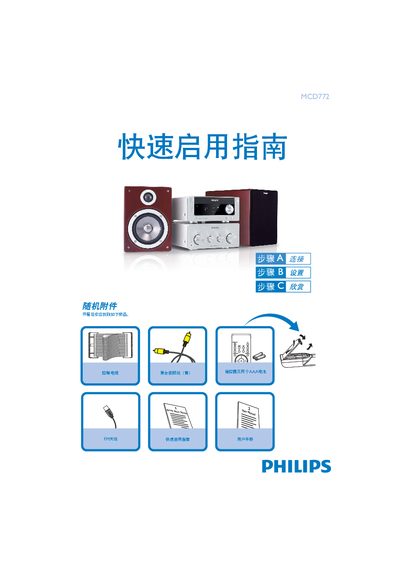
The Quick Start Guide walks you through the initial setup of the MCD772 Hi‑Fi system, including unpacking, required accessories, and basic connection procedures.
It covers connecting the composite video cable, speaker cables, FM antenna, and control cable, setting the clock, programming radio stations, and using CD, DVD, and USB playback functions. This manual is written in Chinese.
In standby mode, hold the CLOCK button; when the hour digits flash, turn the VOLUME knob or press VOL+/- to set the hour, then press CLOCK again to set minutes and confirm.
Press and hold the PROGRAM button for more than two seconds, then follow the band order to program all receivable stations.
Connect the composite video cable to the TV, then attach the speaker cables, FM antenna, control cable, and plug the power cords into an AC outlet.