
This document introduces the safety instructions for SyncMaster 932MW/2032MW monitors, including installation and cleaning
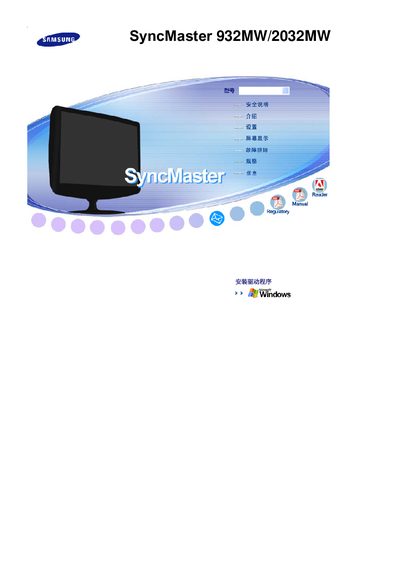
This manual provides safety warnings, installation steps, and usage guidelines for the Samsung SyncMaster 932MW and 2032MW LCD monitors. It covers proper handling of power connections, mounting recommendations, and cleaning procedures to prevent damage or injury.
Technical specifications, image‑retention prevention tips, and recommended display settings are included to help users achieve optimal picture quality and longevity of the monitors. This manual is written in Chinese.
| Resolution (optimal) | 1440 × 900 @ 60 Hz |
|---|---|
| Maximum resolution | 1440 × 900 @ 75 Hz |
| Resolution (optimal) – 2032MW | 1680 × 1050 @ 60 Hz |
| Maximum resolution – 2032MW | 1680 × 1050 @ 60 Hz |
| Pixel pitch | 0.2835 mm (horizontal) / 0.2835 mm (vertical) |
| Pixel pitch – 2032MW | 0.258 mm (horizontal) / 0.258 mm (vertical) |
| Horizontal sync frequency | 30 ~ 81 kHz |
| Vertical refresh rate | 56 ~ 75 Hz |
| Color depth | 16.7 million colors |
| Power supply | AC 100‑240 V, 50/60 Hz |
Use a slightly damp soft‑fiber cloth and a mild diluted detergent; do not spray directly on the screen or use water alone.
Run a screen‑saver or power‑saving mode when the monitor is idle, and avoid displaying static images for long periods.
Place your eyes about 45–50 cm from the screen and keep the monitor centered at eye level.