
This document is the user manual for Samsung mobile phone SGH-X168, which introduces the standby mode, dialing function, silent mode, sound settings, message functions, etc. of the phone. It also includes instructions for the phone's parts and key functions.
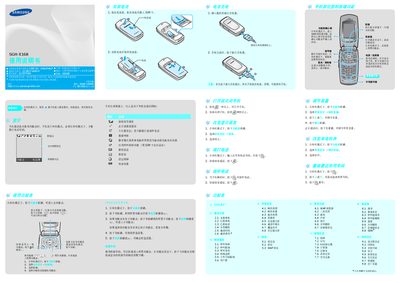
This manual describes the basic operation of the Samsung SGH-X168 mobile phone, including power on/off, navigation keys, calling, messaging, WAP browsing, and various settings such as language, sound, and display. It also provides step‑by‑step instructions for using features like quick dial, alarm clock, calendar, calculator, voice recorder, and currency converter.
Safety and battery information are covered, emphasizing the use of Samsung‑approved accessories, proper handling of the battery, and warnings about using the phone in prohibited environments such as while driving, at fuel stations, or on aircraft. The document also outlines how to reset the device to factory defaults and how to manage storage for messages, media, and contacts. This manual is written in Chinese.
| Battery capacity | 800 mAh |
|---|---|
| Talk time | ≈ 36 hours |
| Standby time | ≈ 210–230 hours |
The standby time is about 210 to 230 hours on a fully charged battery.
Only Samsung‑approved chargers and batteries should be used to avoid damage or safety hazards.