
This manual is for reference only. Information in this manual is subject to change without notice. Samsung Electronics shall not be liable for any direct or indirect damages arising from changes to this manual, nor for any damages arising from or related to the use of this manual.
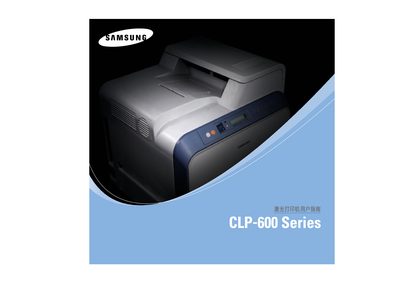
This manual introduces the CLP-600 and CLP-600N laser printers, describing their special functions, components, and safety precautions. It guides users through unpacking, installing toner cartridges, loading paper, connecting cables, and configuring software on Windows, Mac and Linux systems.
The guide also covers routine maintenance such as cleaning, replacing the toner cartridge and transfer belt, and provides a detailed troubleshooting section for common print quality issues, paper jams, and network setup for the CLP-600N model.
| Model | DC60CPS (CLP-600, CLP-600N) |
|---|---|
| Print speed (A4) | 20 ppm (black & colour), 21 ppm (Letter) |
| Resolution | 2400 × 600 dpi |
| Warm‑up time | < 45 seconds |
| Average power consumption | 450 W (printing), < 35 W (energy‑saving mode) |
| Noise level | < 50 dBA (printing), < 32 dBA (standby) |
| Toner yield (black/yellow/magenta/cyan) | ≈ 4 000 pages (5 % coverage) |
| Dimensions (W × D × H) | 465 mm × 465 mm × 445 mm |
| Weight | 28.5 kg (including consumables) |
| Memory | 32 MB (non‑expandable) |
| Interfaces | USB 2.0 (both models); Ethernet 10/100 Base‑TX (CLP‑600N only) |
Open the top cover, remove the used toner cartridge, and install a new one as described in the maintenance section.
The CLP‑600N includes a built‑in 10/100 Base‑TX Ethernet port; connect an Ethernet cable and configure network parameters via the printer’s control panel.
The printer works with Windows 98SE/Me/2000/2003/XP, various Linux distributions, and Mac OS 10.3‑10.4; only the CLP‑600N supports Windows NT 4.0.