
This document is the user manual of Nikon digital camera, which introduces the basic shooting and playback, shooting according to the scene, more playback instructions, short film, sound recording, connection to TV, computer and printer, shooting, playback and setting menu etc.
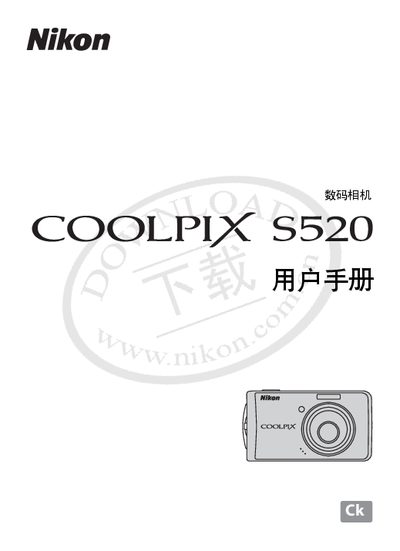
This user manual covers all aspects of operating the Nikon COOLPIX S520, including safety precautions, battery installation and charging, basic shooting and playback functions, various shooting modes, flash usage, video and audio recording, and how to connect the camera to a TV, computer, or printer.
The document also lists the technical specifications of the camera, such as sensor type, lens details, image resolution, storage options, ISO range, shutter speed, dimensions, weight, and power requirements. This manual is written in Chinese.
| Effective Pixels | 8 MP |
|---|---|
| Image Sensor | 1/2.5 inch CCD |
| Lens | 3× optical zoom Nikkor |
| Focal Length | 5.7‑17.1 mm (35‑105 mm equivalent) |
| Maximum Aperture | f/2.8‑f/4.7 |
| Digital Zoom | Up to 4× |
| Maximum Image Size | 3264 × 2448 pixels |
| Storage Media | Internal ~23 MB + SD card |
| Battery | EN‑EL10 Li‑ion rechargeable (1 cell) |
| Dimensions (W×H×D) | 94 × 53 × 22.5 mm |
| Weight | ≈115 g (without battery/SD card) |
| ISO Sensitivity | 64‑2000 (auto 64‑1600) |
| Shutter Speed Range | 1/1500 s – 2 s |
The camera offers an automatic mode, various scene modes, a close‑up mode, and manual controls such as exposure compensation and digital zoom.
Use the supplied USB cable to connect to a computer, the appropriate video cable for a TV, or a compatible printer cable as described in the connection section.
The camera can capture images up to 3264 × 2448 pixels.