
This document is a user manual for a digital camera. It provides information on the basic shooting and playback functions of the digital camera, as well as instructions on how to connect it to a TV, computer, and printer. It also includes safety precautions and guidelines for using batteries and chargers.
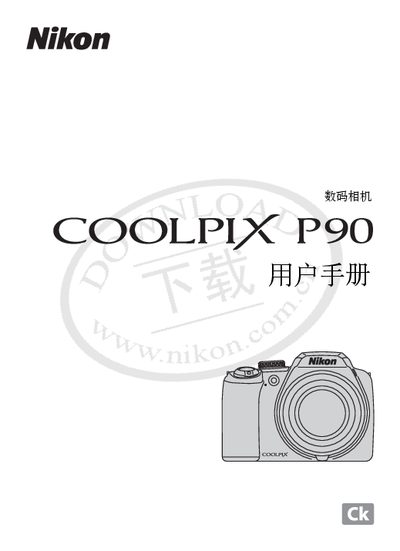
This manual explains how to set up and operate the Nikon COOLPIX P90 digital camera. It covers basic functions, menu navigation, and image playback, as well as how to connect the camera to a computer or printer.
The guide also lists supported software and accessories, such as Windows Vista, Mac OS, Adobe Acrobat, SD cards, and PictBridge for direct printing. Troubleshooting advice and safety information are included to help users resolve common issues.
The camera supports SD cards as defined by the SD Card Association.
Yes, the camera includes PictBridge support for direct printing.