
StoreJet 25 mobile user manual, introduces the features and characteristics of the product, including product packaging contents, product features, system requirements, safety precautions, general use, data backup, carrying precautions, power supply, reminding you, product overview, driver installation, connecting StoreJet® 25 mobile to the computer, safely removing StoreJet® 25 mobile, formatting the hard disk, troubleshooting, product specifications, order information, warranty terms, etc.
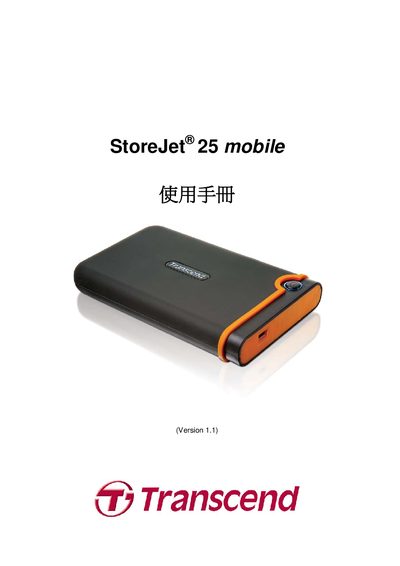
This manual explains how to connect the StoreJet 25 mobile to a computer, outlines supported operating systems (Windows, Mac OS 9.0, Linux 2.4), and provides step‑by‑step instructions for mounting the device and transferring data.
Physical specifications, safety guidelines, and warranty information are listed, along with troubleshooting tips and contact details for Transcend support.
| Dimensions | 134 mm × 80.8 mm × 18.8 mm |
|---|---|
| Form factor | 2.5" SATA |
| Maximum transfer speed | 480 Mbps |
| Operating temperature | 5 °C (41 °F) – 55 °C (131 °F) |
The device works with Windows 2000/XP, Windows 7/Vista, Mac OS 9.0, and Linux kernel 2.4.
Create a mount point (e.g., /mnt/Storejet) and run the mount command: mount ‑a ‑t msdos /dev/sda1 /mnt/Storejet.
The manual lists a maximum transfer rate of 480 Mbps.
It measures 134 mm × 80.8 mm × 18.8 mm.