
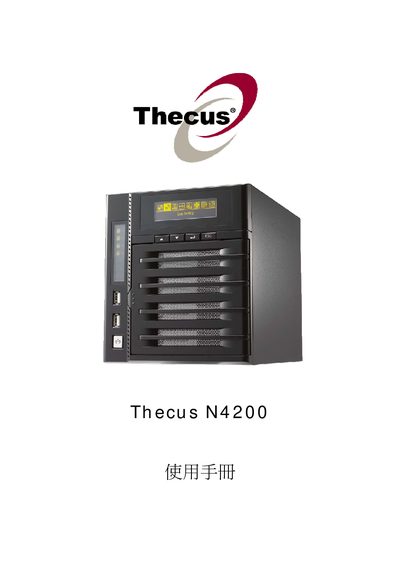
This manual covers the hardware overview and installation steps for the Thecus N4200 network attached storage device. It explains how to connect power and network cables, install hard drives, and perform initial system setup.
The guide then details system configuration, including RAID creation and management, iSCSI volume allocation, and supported network services such as Samba/CIFS, AFP, NFS, HTTP, UPnP, and iTunes integration. Troubleshooting tips and advanced settings are also included.
| Operating Temperature | 0°C – 40°C |
|---|---|
| Power Input | AC 100V ~ 240V, 50/60 Hz, 3 A |
Use the RAID creation menu and select "Create a RAID (#17 RAID)" to set up a new RAID array.
Allocate space for an iSCSI volume via the "Allocating Space for iSCSI Volume" option and then modify the iSCSI settings as needed.
It requires an AC input of 100 V to 240 V, 50/60 Hz, with a maximum current draw of 3 A.