
This document is the R408/R458 User Guide, which provides information on safety precautions, operation methods, settings, and specifications of the product.
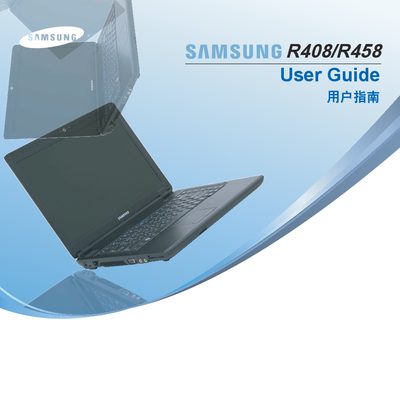
This manual provides safety instructions, hardware overview, and step‑by‑step procedures for starting and using the Samsung R408 and R458 notebook computers. It includes detailed information on power handling, battery care, and recommended accessories.
The document also lists the system specifications for each model, such as CPU options, memory capacity, storage options, display details, wireless connectivity, and battery specifications, helping users understand the capabilities of their laptops.
| CPU (R408) | Intel Core2 Duo / Celeron Processor (optional) |
|---|---|
| CPU (R458) | Intel Core2 Duo / Celeron Processor / Pentium Dual Core (optional) |
| Memory | 512 MB ~ 4 GB DDR2 SODIMM (max 4 GB) |
| Display | 14.1" WXGA (1280 × 800) LCD |
| Battery | Lithium‑ion smart battery, 6‑cell (R408) or 6‑/9‑cell (R458) |
| Weight | 2.3 kg |
Use the system’s battery‑level indicator to measure remaining battery power.
The laptop supports 802.11b/g wireless LAN with Atheros chipset.