
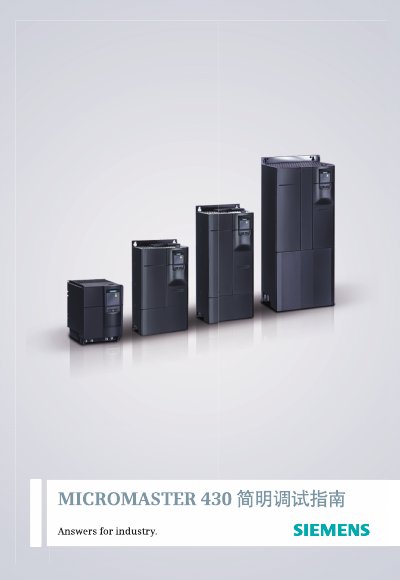
This document serves as a simple debugging guide for users new to Siemens standard variable frequency drives, specifically the MICROMASTER 430 model. It provides case-based explanations for common commissioning issues and directs users to the full 'User Manual' for detailed parameter specifications.
The guide covers the entire commissioning workflow, including parameter reset procedures, quick setup steps for motor parameters, and functional debugging for various control modes such as PID, multi-speed, and communication interfaces. It also includes instructions for using the BOP-2 operator panel and troubleshooting fault codes. This manual is written in Chinese.
| Input Voltage | 3 AC 380 to 480V ± 10% |
|---|---|
| Power Range | 7.5kW to 250kW |
| Output Frequency | 0 Hz to 650 Hz (7.5kW to 90kW) |
| Power Factor | > 0.95 |
| Efficiency | 96% to 98% |
| Protection Functions | Overvoltage, Undervoltage, Overload, Ground Fault, Short Circuit, Overtemperature |
| Control Methods | V/F, Square V/F, Programmable V/F, Flux Current Control |
Set P0003 to 1 for standard access level, set P0010 to 1 to enter factory reset preparation, then set P0010 to 1 again to reset parameters to factory values.
Set parameter P0010 to 1 to start the quick debugging process.