
This document is the user manual of the Nokia Bluetooth Headset BH-104, which introduces the features and functions of the product.
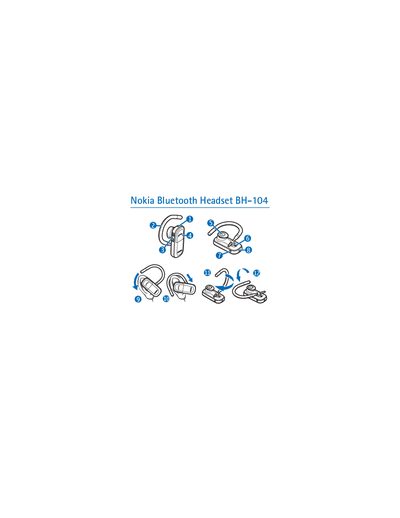
The Nokia BH-104 Bluetooth Headset lets you make and receive calls wirelessly. It complies with Bluetooth Specification 2.1 + EDR and supports the Headset Profile 1.1 and Hands‑Free Profile 1.5.
The manual covers charging the internal battery, pairing the headset with a compatible phone, basic call operations, volume control, indicator light settings, resetting the device, and troubleshooting common issues.
| Bluetooth specification | 2.1 + EDR |
|---|---|
| Supported profiles | Headset Profile 1.1, Hands‑Free Profile 1.5 |
| Talk time (full charge) | up to 10 hours |
| Standby time (full charge) | up to 200 hours |
| Charging time (full charge) | up to 2 hours |
| Passcode for pairing | 0000 |
A fully charged battery provides up to 10 hours of talk time or up to 200 hours of standby time.
While the headset is switched off, press and hold the power key and the answer/end key for about 5 seconds until the red and green lights alternate, then release.
Press and hold both the power key and the answer/end key for about 5 seconds while the headset is connected to the phone.