
This document is the user manual for Nokia Stereo Headset WH-800, which introduces the use and precautions of the headset.
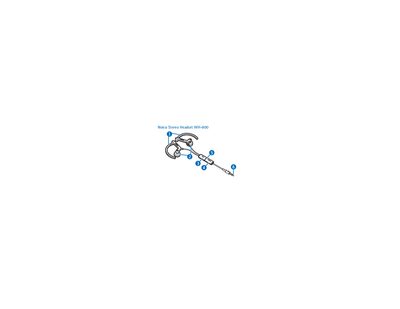
The Nokia WH-800 Stereo Headset lets you make and answer calls and listen to music when connected to a compatible Nokia device. It works with devices that have a 3.5 mm AV connector or a 2.5 mm AV connector using the supplied adapters.
The manual explains how to connect the headset, adjust the volume, make and answer calls, and maintain the device safely. It also includes safety warnings about magnetic parts, hearing external sounds, and proper storage and cleaning.
| Primary connector | 3.5 mm AV connector |
|---|---|
| Alternative connector (requires adapter) | 2.5 mm AV connector (AD‑S2 adapter supplied) |
| Microphone position | Built‑in, near mouth |
Insert the headset plug directly into the phone’s 3.5 mm AV connector.
Use the supplied AD‑S2 adapter, then plug the headset into the adapter and connect the adapter to the device.
Press the volume key up or down on the headset.