
This document is an instruction manual for a LCD color TV, providing detailed information on the preparation before use, installation and adjustment methods, external device connection methods, and other related information.
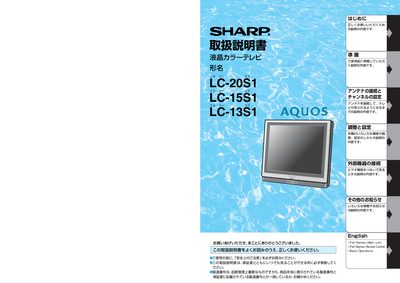
This manual covers Sharp's LC‑20S1, LC‑15S1, and LC‑13S liquid‑crystal color televisions. It guides users through safe installation, antenna connection, channel setup, and basic operation of the TV sets.
Key sections include safety precautions, power and voltage requirements, external device connections, menu navigation, volume control, and warranty information. The document also provides troubleshooting tips and maintenance advice to keep the TV performing reliably. This manual is written in Japanese.
| Supported CATV channel range | C13–C38 |
|---|---|
| Required AC voltage | 100 V AC |
| Power indicator colors | Green when on, red when off |
Press the power button on the TV or the remote; the power lamp lights green when the TV is on and red when it is off.
Connect the antenna, then use the channel selection button or the direct remote‑control channel selection button to choose the desired channel.
Press the mute button to turn the sound off; press it again to restore the previous volume level.