
This document is the Quick Guide for Epson Stylus C88+, which provides instructions on basic printing, printing photos, replacing ink cartridges, and troubleshooting common problems.
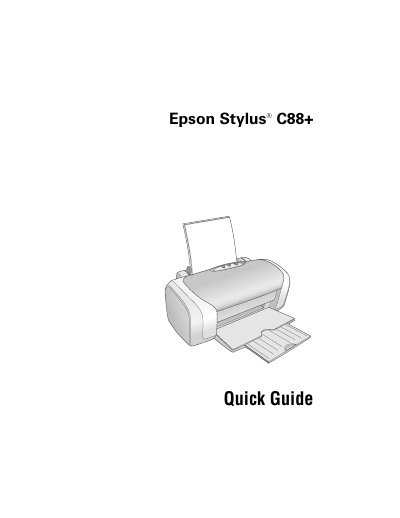
The Epson Stylus C88+ is a desktop printer designed for business and home use. It features exceptional speed and print resolutions using exclusive DURABrite® Ultra pigment inks that are resistant to water, fading, and smudging. The guide covers setup basics including loading paper and printing from both Windows and Macintosh operating systems.
The light resistance of prints is rated up to 100 years on specialty papers and 70 years on plain paper.
It uses Epson's exclusive DURABrite® Ultra pigment inks which are quick-drying and resistant to water, fading, and smudging.
You can load up to 100 sheets of plain paper.