
Key facts
- Brand
- Yealink
- Model
- T46S
- Category
- Telephone
- Industry
- Electronics
- Documents
- 2
- Languages
- EN
- Last added
- 2026-11-16
Start here
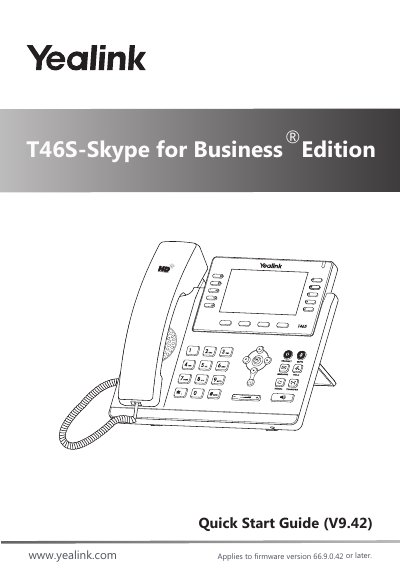
Yealink T46S-Skype for Business Edition Quick Start Guide
This document serves as a quick start guide for the Yealink T46S-Skype for Business Edition phone. It details the initial setup process, including attaching the stand, connecting the handset and optional headset, and establishing network and power connections via AC adapter or PoE. The guide also explains how to configure the device for use with Skype for Business.
Read onlineYealink T46S specifications
| Compatible system | MIXpbx |
|---|---|
| Hardware elements | Screen, power indicator LED, programmable keys, mute key and headset, action keys, speaker, volume, keypad, menu and directional pad |
| Action keys | Four |
All Yealink T46S documents by type
Day-to-day operation, settings and troubleshooting. Start here if the product is already set up.
The shortest path to a working setup, usually only a few pages.
Questions answered in these manuals
How do I place a call on the Yealink T46S?
Enter the number and press in the centre of the directional pad.
How do I do a blind transfer?
Press transfer, which puts the call on hold, enter the destination extension number and hang up.
What power adapter voltage and amperage is required for the Yealink T46S?
The phone must be used with the original Yealink power adapter rated at 5V/2A.
From: Yealink T46S-Skype for Business Edition Quick Start Guide
What is the minimum firmware version required for this guide?
This guide applies to firmware version 66.9.0.42 or later.
From: Yealink T46S-Skype for Business Edition Quick Start Guide