
This guide covers assembly, network connection, sign-in procedures, directory management, call features, and BToE functionality for the Yealink T46S-Skype…
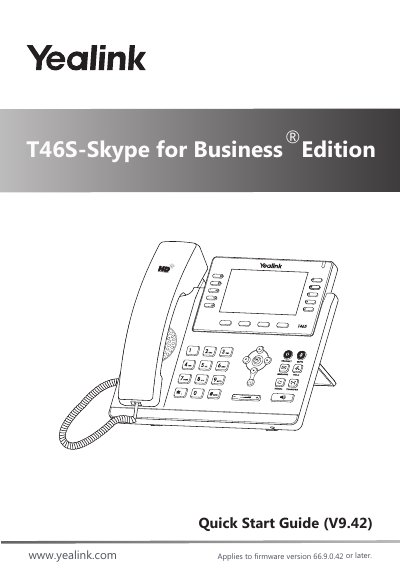
This document serves as a quick start guide for the Yealink T46S-Skype for Business Edition phone. It details the initial setup process, including attaching the stand, connecting the handset and optional headset, and establishing network and power connections via AC adapter or PoE. The guide also explains how to configure the device for use with Skype for Business.
The phone must be used with the original Yealink power adapter rated at 5V/2A.
This guide applies to firmware version 66.9.0.42 or later.
No, the headset or wireless headset adapter EHS36 must be purchased separately.